import pandas as pd

# Dummy dataframes
df = pd.DataFrame({"nombre":["Juan", "Pedro", "Diego", "LormIpsum"*10],
                     "edad":[20, 30, 20, 30]})

# Save to excel XLSX file
filename = "ejemplo_sin_autofit.xlsx"
excel_writer = pd.ExcelWriter(filename, engine="xlsxwriter")
# Save the first dataframe
sheet_name = "Personas"
df.to_excel(excel_writer, sheet_name=sheet_name, index=False)
# Close the excel file
excel_writer.close()Automatic column width in excel cells
python
excel
código
Como hacer que las celdas de excel tengan el ancho apropiado
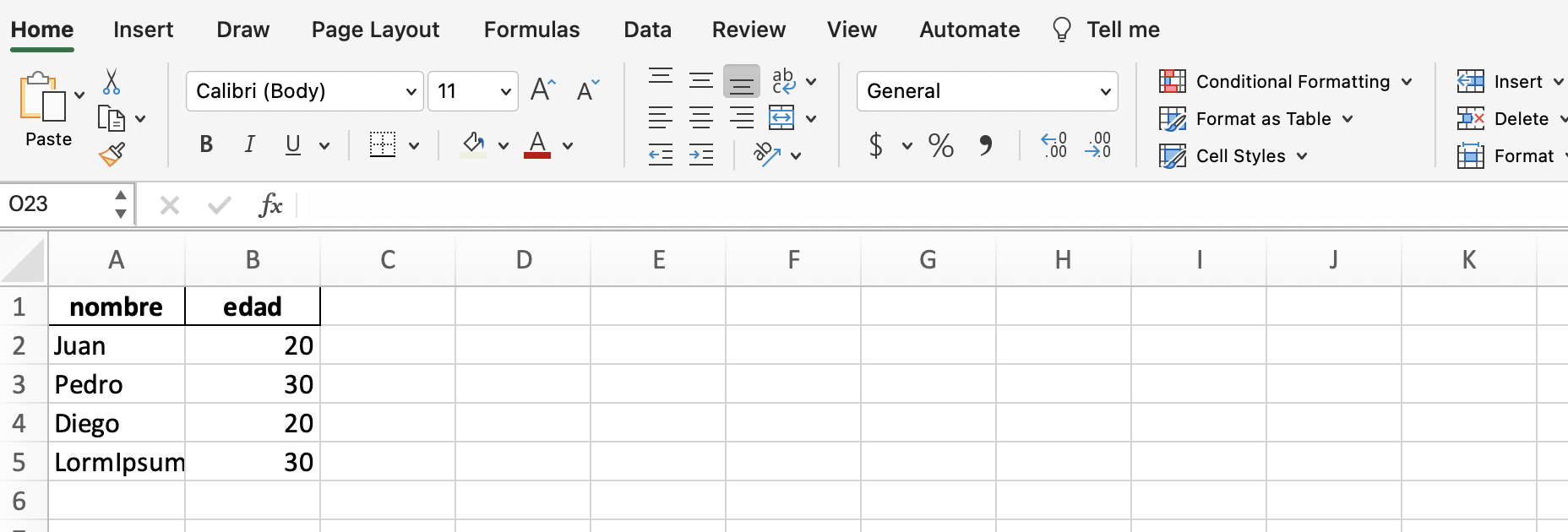
When you create an excel file with pandas, the column width stays fixed and that’s usually annoying when you have to review the content. Look at the following typical example:
My excel files looked like the following image:
Today I learned a super simple way to make columns generate their width dynamically. It only requires using ‘xlrxwriter’ and its autofit method! It doesn’t work with openpyxl, another good library for handling excels from python.
import pandas as pd

# Dummy dataframes
df = pd.DataFrame({"nombre":["Juan", "Pedro", "Diego", "LormIpsum"*10],
                     "edad":[20, 30, 20, 30]})

# Save to excel XLSX file
filename = "ejemplo_con_autofit.xlsx"
excel_writer = pd.ExcelWriter(filename, engine="xlsxwriter") # Must be xlsxwriter
# Save the first dataframe
sheet_name = "Personas"
df.to_excel(excel_writer, sheet_name=sheet_name, index=False)
excel_writer.sheets[sheet_name].autofit() # This makes the columns to be autofitted!!!
# Close the excel file
excel_writer.close()
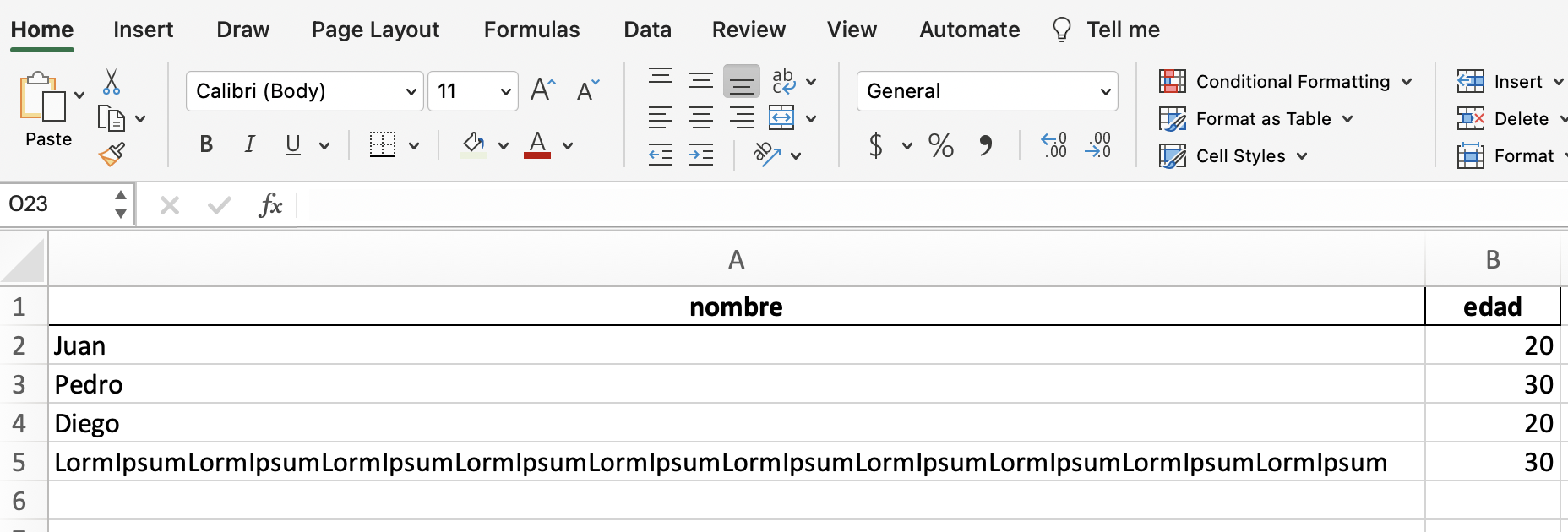
The trick only requires one line! Just access the sheet from the ExcelWriter using its name, and apply the autofit method.
The resulting excel is the following:
Of course, the trick can be applied to all the sheets of the file.